
Reminders
The two automatic emails to people who ordered, when each sends, and how to turn one off.
Reminders are two emails to people who placed an order. Both are on for a new event. They send only after you publish, once the event has left Practice Mode.
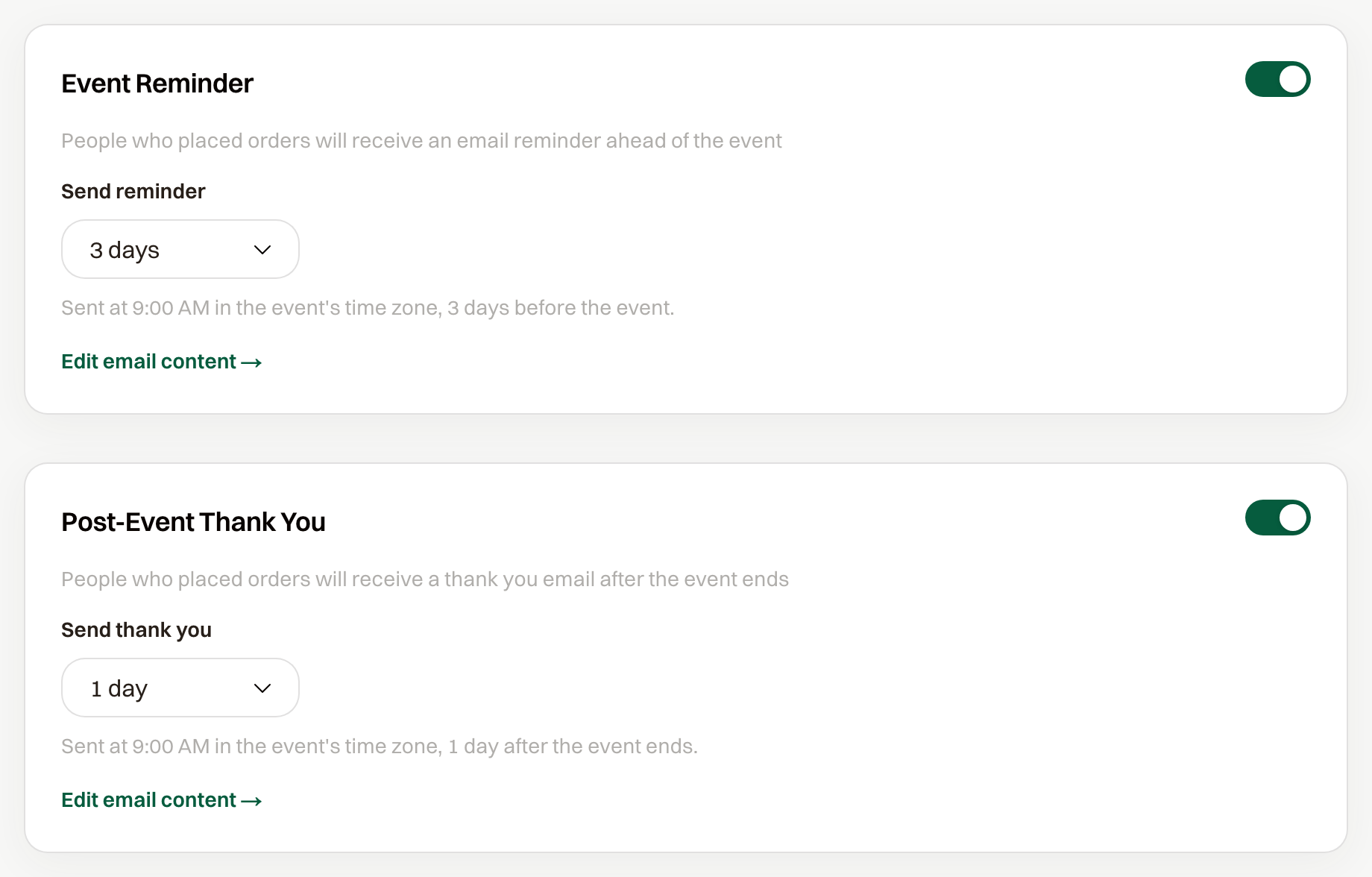
Which reminders, and when
Event Reminder goes out before the event. It defaults to 3 days before, at 9:00 AM in the event's time zone.
Post-Event Thank You goes out after the event ends. It defaults to 1 day after, at the same hour.
Send reminder and Send thank you can be 1 day, 2 days, 3 days, 7 days, or 14 days. Each email sends once, to the person who placed the order.
If you publish after a reminder's send time has already passed by more than 12 hours, that reminder is skipped.
Edit email content opens the template for that message.
Turn one off
Under Event Settings > Reminders, switch off Event Reminder or Post-Event Thank You, then save. The other one keeps its schedule.