
Collect a balance with a payment link
A payment link is the page you send when a guest still owes a balance.
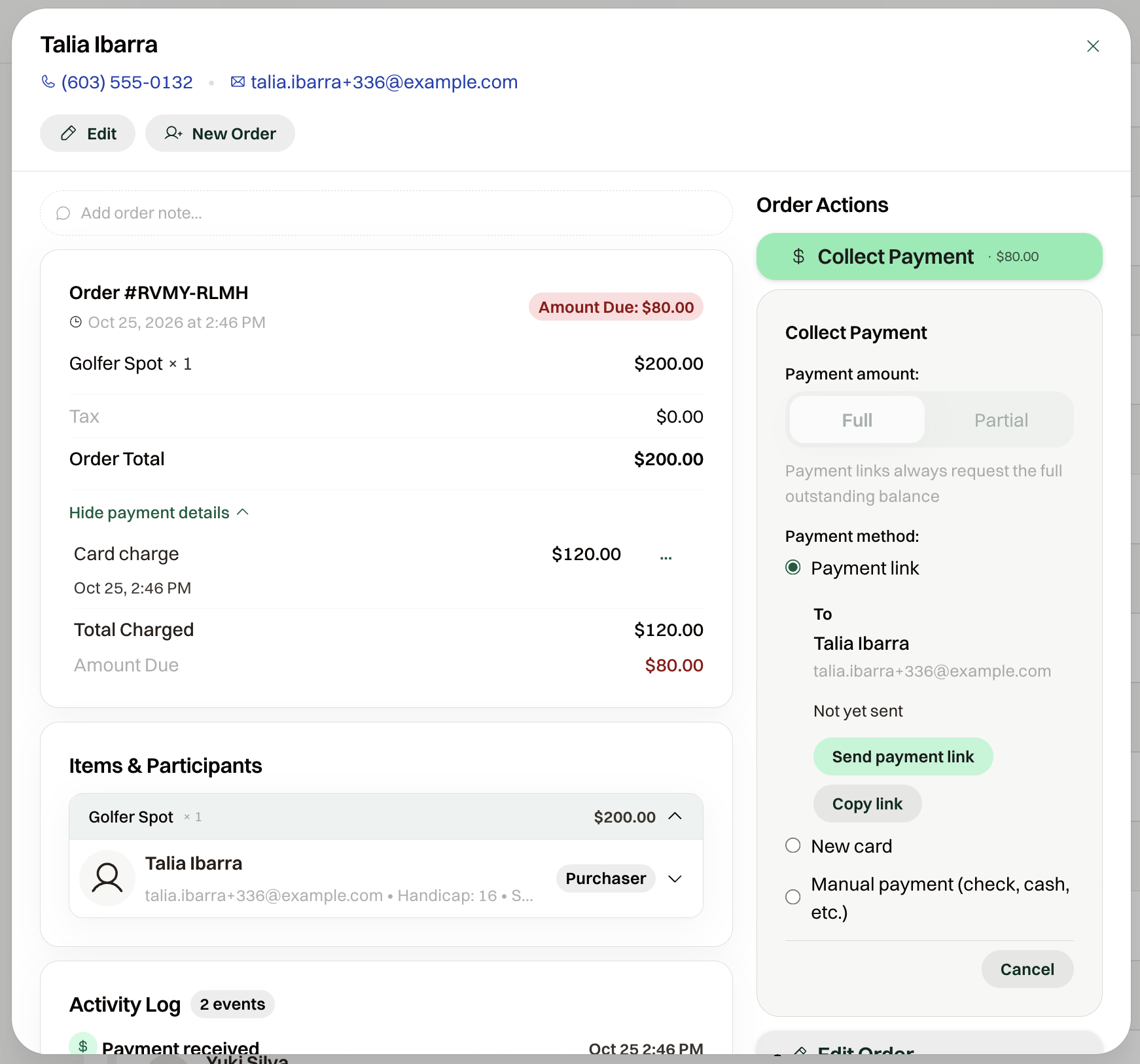
A payment link is a page a guest opens to pay a balance they already owe. It always requests the full balance, so a partial payment is recorded from Collect Payment instead.
On an Underpaid order that can be paid online, open Collect Payment and choose Payment link. Send payment link emails it to the purchaser, and after the first send that button says Resend payment link. You can copy the link, or revoke it so the page no longer accepts payment.
Send email can send the same request as Payment Request when the event can take a card online. On a new order, Payment link sends it as you create the order.
What the guest sees
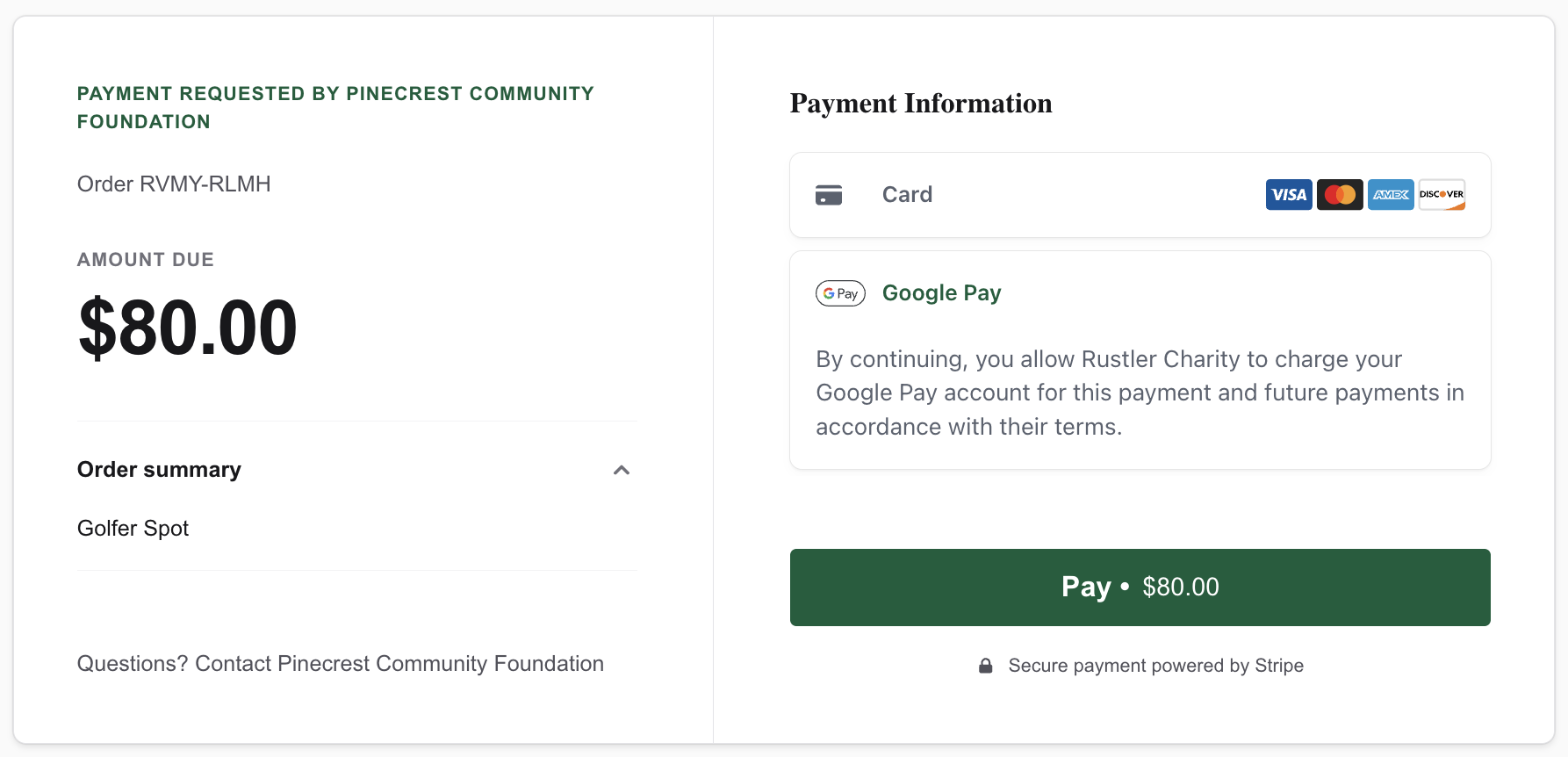
The page says "Payment requested by" and your organization's name, then the order number and Amount due. They pay by card or PayPal, whichever your organization uses, and the email is a payment request from your organization. When purchasers are asked to cover card fees, the page also shows Processing Costs before they pay.