
Create your first event
Create an event from scratch or copy a past one, then set up details, items, and the website.
From the Events page, select Create Event. You need a name, a date, and a time zone; everything else comes later.
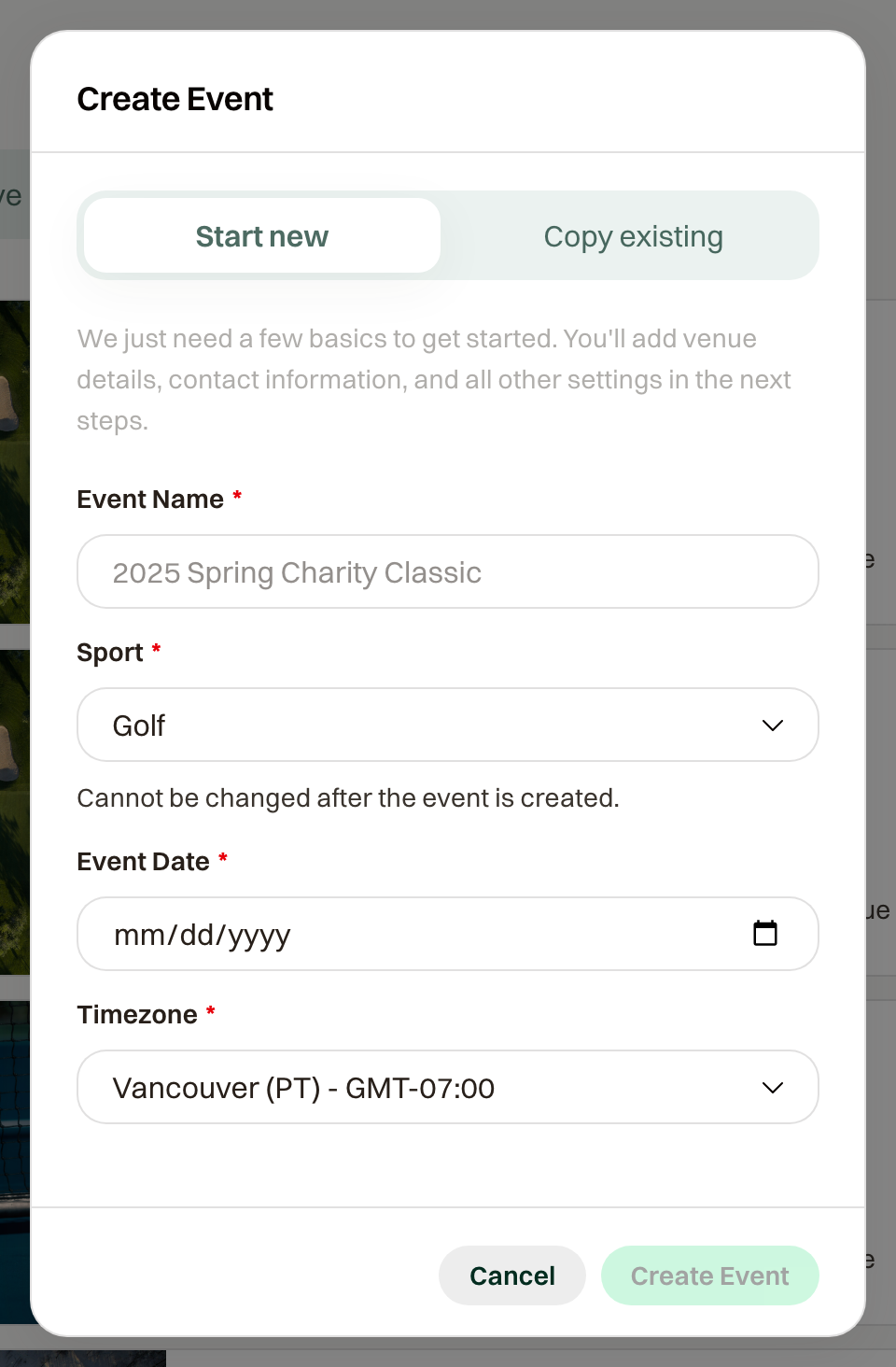
Every new event starts as a draft in Practice Mode. Nothing is public and no one is charged until you publish.
Copy a past event instead
In the same dialog, choose Copy existing, then give the new event a name, date, and time zone. Same venue and course keeps the course layout and holes. You can leave items out; everything else comes over as a set.
What comes over: settings, taxes and policies, reminders, website content and images, custom pages (as drafts), schedule sessions, items with their fields, images, categories, capacity pools, and sponsor levels, the course and scoring setup, the competition setup, the auction settings, and your notes on the system email templates. Sale windows and registration deadlines move with the new date.
What starts fresh: orders, participants, sponsors, donations, auction items and bids, scores, games, teams, sent messages, custom email templates, groups, and expenses. The copy starts as a draft in Practice Mode, and a custom domain stays on the original event.
What to do next
- Event details and schedule: venue, times, contact.
- Items: what guests can buy, with prices and capacity.
- Public website: photos, about text, FAQ.
Then walk through a registration yourself in Practice Mode before you go live.