
Connect your Stripe account
Connect an existing Stripe account or create one, and what the connection states mean.
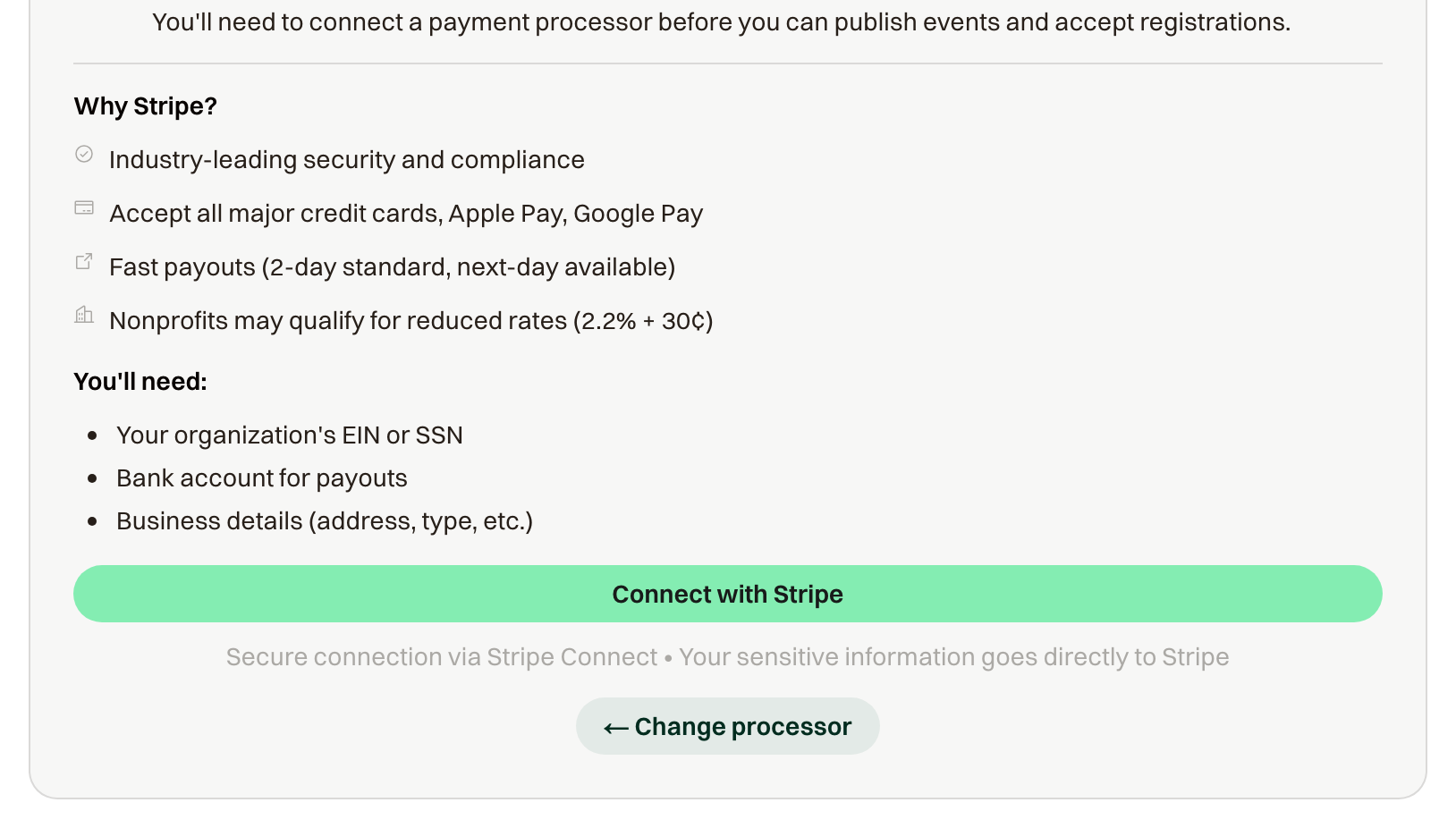
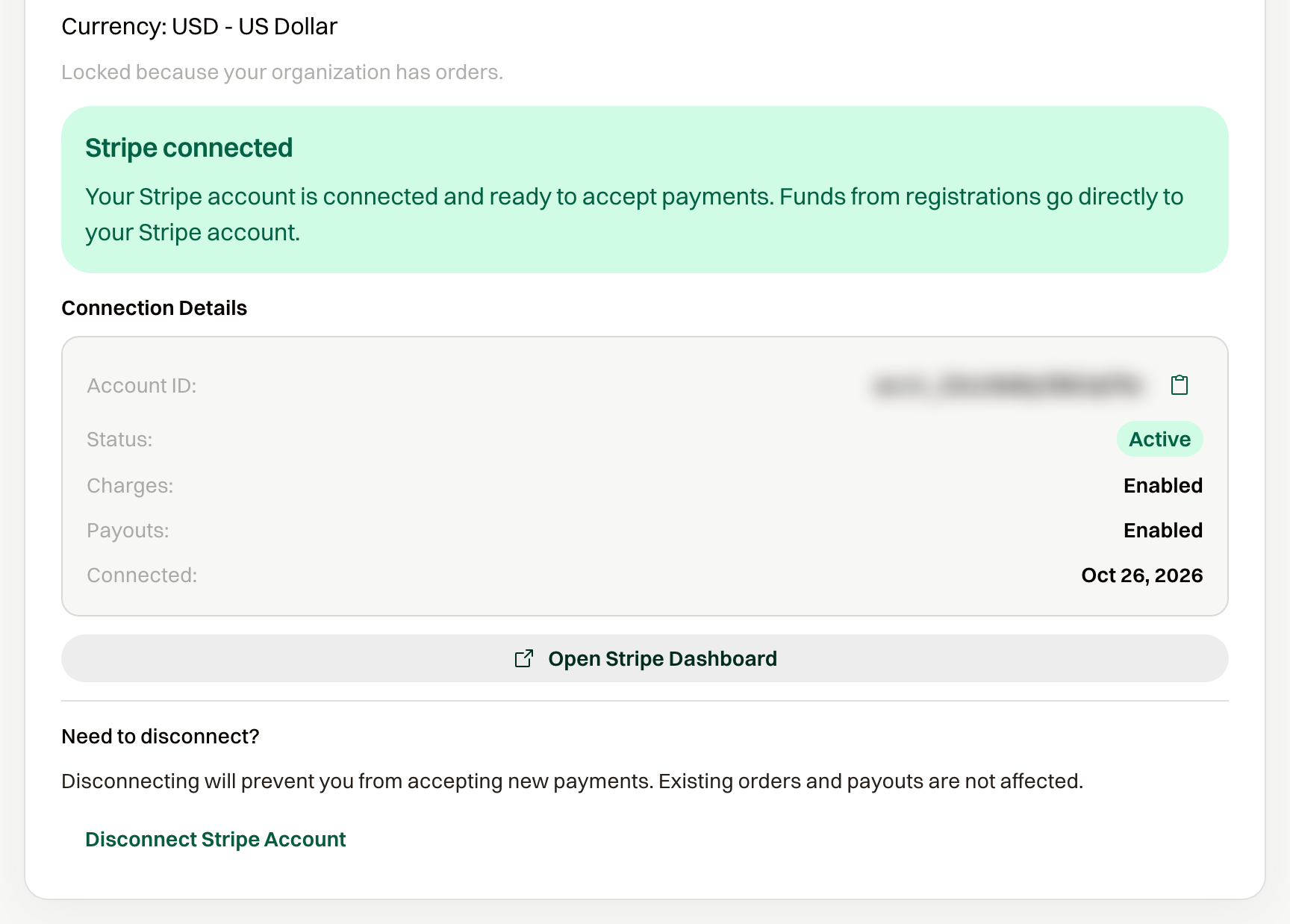
Registration payments go straight to your Stripe account. Stripe pays out to your bank on its own schedule, and disputes are handled in your Stripe dashboard. Refunds are issued from the order in ChipIn.
If you left Stripe partway through
The page reads Stripe account setup incomplete with a Continue Setup with Stripe button. Pick up where you left off.
If Stripe needs something from you
The page reads Action required with a Resolve in Stripe Dashboard button. Payments may stop until it's resolved. If guests report that checkout isn't working, check here first; the event overview shows a Payments are not working warning at the same time.
If the currency doesn't match
If your Stripe account settles in a different currency than your organization, the page says so and payments are disabled until they match. If your organization has no orders yet, a Switch to button changes the organization to Stripe's currency. If it does, connect a Stripe account that settles in your organization's currency.
Disconnecting
Disconnect Stripe Account stops new payments. Existing orders and payouts aren't affected.