
Competition setup
Locations, the clock the schedule uses, and how hockey and pickleball name a game.
Setup is where you tell ChipIn where games are played and how often they start. The schedule is built from it. Hockey calls each contest a game and each place a rink; pickleball calls them a match and a court. These articles say game.
Add the places
Add location, then a name such as Rink 1 or Court 1. On an event with more than one day, edit a location and uncheck any day it cannot host.
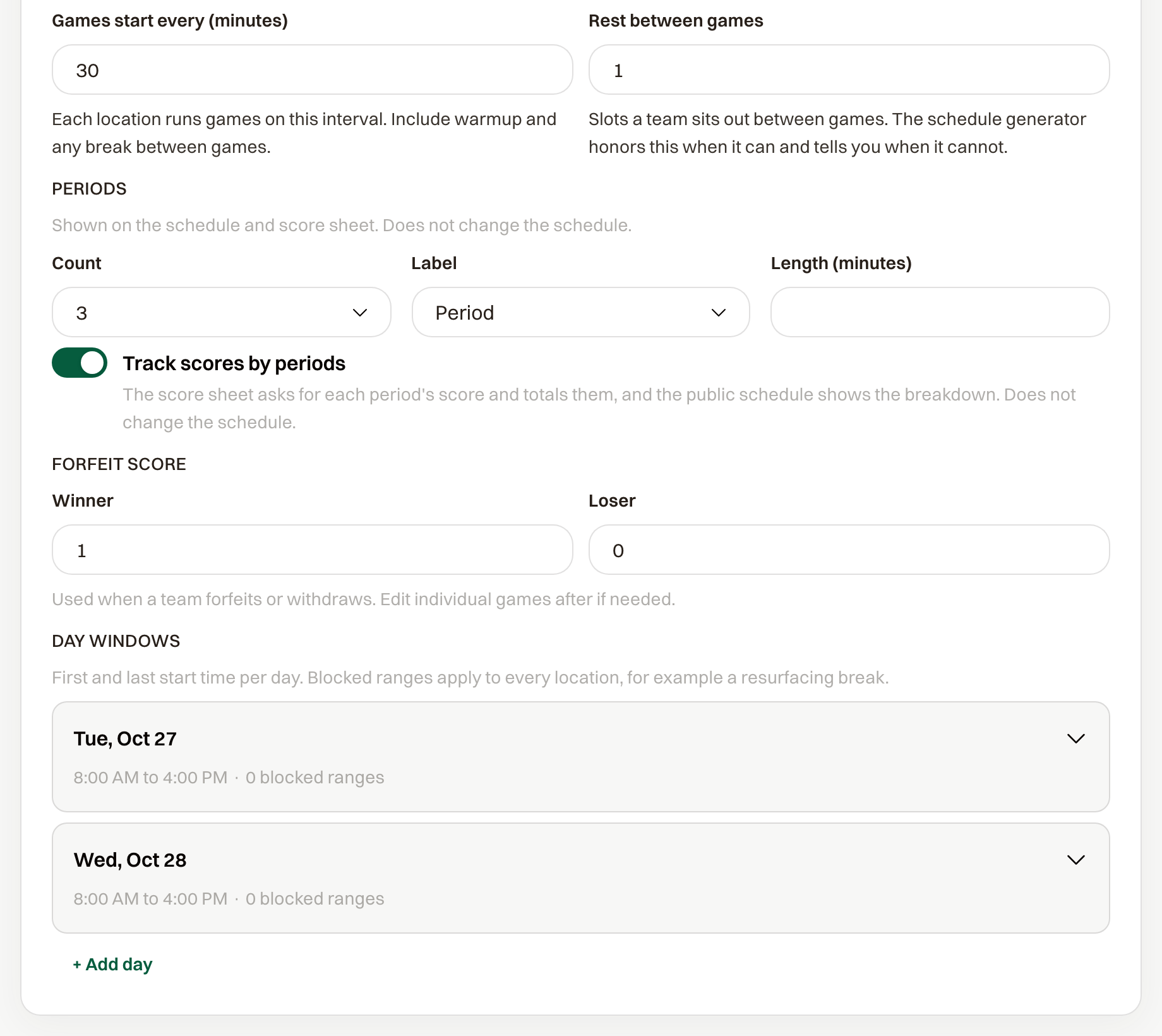
Set how often games start
The card is Game times on hockey and Match times on pickleball.
- Games start every (minutes), or Matches start every (minutes), is the slot length, from 5 to 240. It starts at 60, and warmup sits inside that slot.
- Rest between games, or Rest between matches, is how many slots a team sits out, from 0 to 3. It starts at 1.
Choose how scores are entered
Hockey uses Periods, each with a Count, Label, and Length (minutes). A new event has three. Track scores by periods starts off, so you enter one final score. Turn it on to enter each period and let the sheet total them.
Pickleball uses Games per match. A Count of 3 is best of 3, and the match ends when a side wins 2. Track scores by games starts on, so you enter the points in every game. Turn it off to pick the winner and a result such as 2-1 instead.
Set the forfeit score
Winner and Loser are the pair a forfeit writes. Hockey starts at 1 and 0. Pickleball starts at 0 and 0, and those numbers are games won, not points.
Set the days and blocked times
+ Add day asks for a Date, First start, and Last start. Open a day to add a Blocked window with From and To, or + Add blocked for another. A blocked window applies to every location. When a location keeps its own days, save them from the bar when the times change.