
Results and collecting payment
Close the auction, charge winning bids, and send winners a pay link when there is no card.
Closing bidding does not charge anyone. Finalizing turns the winning bids into offers you can collect.
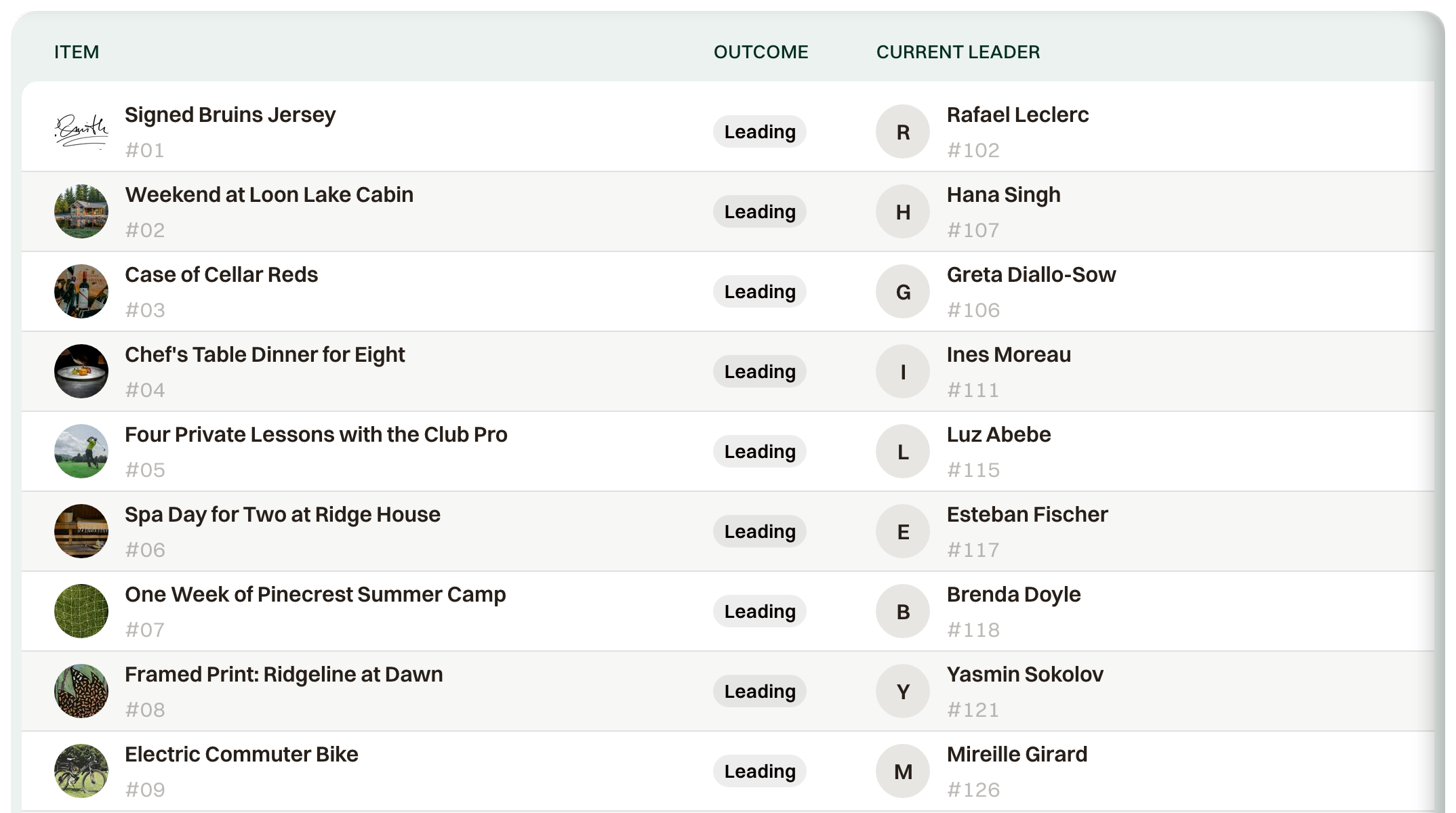
Close and finalize
With Automatic schedule on, bidding closes at Bidding Closes, and Auto-finalize turns winning bids into offers when bidding ends. Turn Auto-finalize off and, after you close, Actions offers Finalize Auction. Items still in overtime wait until their clocks end.
How winners pay
Charge cards automatically is on, under Finalization & Notifications. Cards saved at registration are charged when the auction finalizes. Turn it off and collect from Results.
Actions > Charge Outstanding charges the cards that are still unpaid. Open a winner and choose Charge card on file. With no card, the offer says "No card on file — manual payment required," and Collect payment records a check or charges a card now.
Winners without a card get a pay link in the winner email. The subject is You won, then the item and the auction name. Send winner emails is on, and they go out 1 minute after finalization unless you change Send after (minutes).
Consolation pledges
A bidder who wins nothing can still give. Turn on Enable consolation pledges under Consolation Pledge in the auction settings (it needs event donations on). While they bid, guests see "Support the event, win or lose" and can set a pledge from your donation amounts. It is charged only to bidders who win no item, when you finalize; winners' pledges are voided. Each pledge is a donation order, so it lands on Donors with the normal donation receipt.
Results gets a Pledges filter showing each bidder's pledge and its status. If Charge cards automatically is off, pending pledges wait there for Charge All Pending.
Pickup and delivery
Pickup / Delivery Instructions from the item are in that email. Results marks each lot Won, Unsold, Reserve not met, or No bids.