
Create an auction
Create a silent auction, and choose whether bidding opens and closes on a schedule or when you say so.
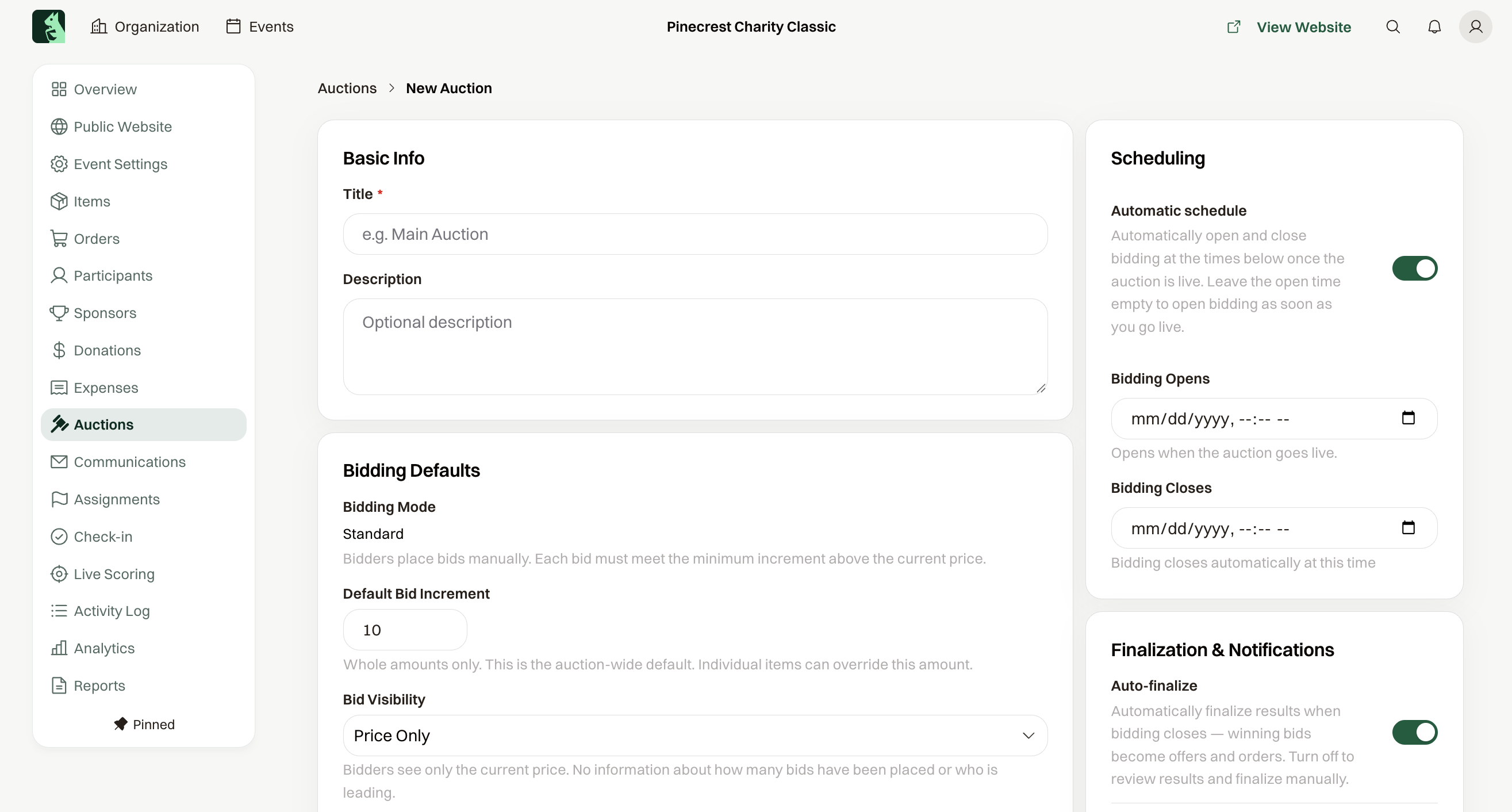
Open Auctions and choose New Auction, or Create your first auction on an empty list. Give it a Title and choose Create Auction. Every auction is a silent auction, and guests bid from their phones.
Three moments that matter
- Go Live makes the auction visible on the event website. Until then it is a Draft nobody can see.
- Bidding opens and closes. Guests can bid only between those two moments.
- Finalize turns the winning bids into charges. Nothing is charged before that; see Results.
Let the clock open and close bidding
Automatic schedule, under Scheduling, is on for a new auction. Set Bidding Closes to the time bidding should end. Set Bidding Opens to a time, or leave it empty and bidding opens the moment you choose Go Live.
Open and close bidding yourself
Turn Automatic schedule off. After Go Live, the auction waits until you choose Open Bidding Now, and bidding runs until you choose Close Bidding. This is the choice for an auction you want to open from the stage.
The increment
Default Bid Increment is the least a new bid must add to the current price. It starts at 10, and an item can set its own.