
What guests see at checkout
The registration page, cart, payment choices, and confirmation a guest sees.
A guest buys from the registration page, reviews a cart, then checks out. This is what they see along the way.
What the registration page shows
Live items are grouped by category, in the order you set those categories. Up to three Featured items sit in a Featured group above the list.
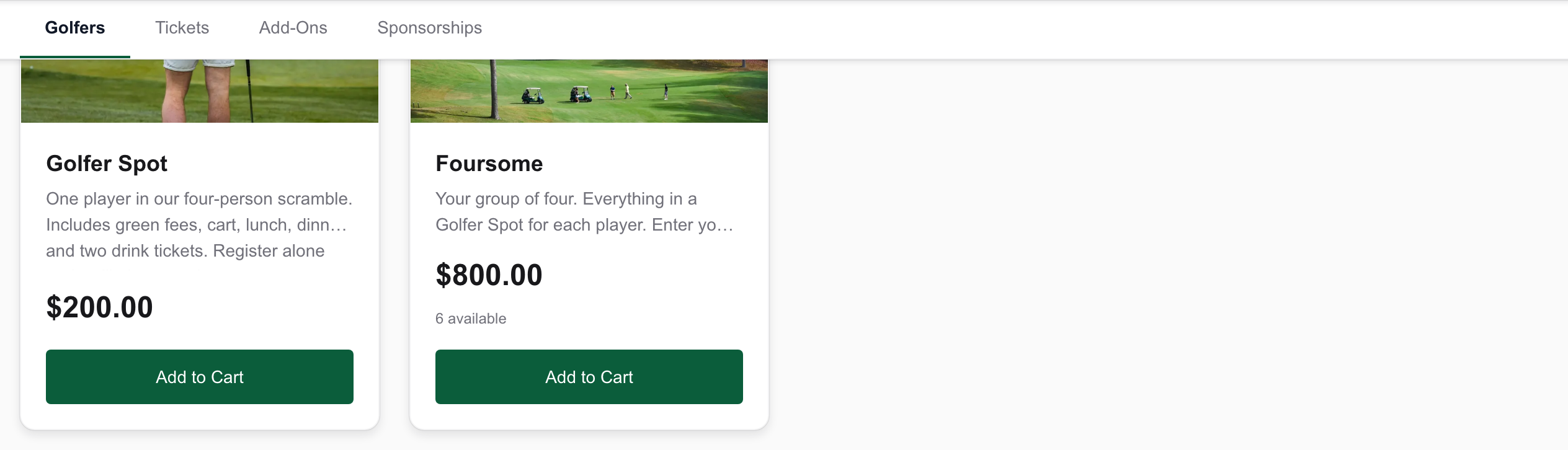
Each card shows the price and an Add to Cart button. When an item cannot be bought, the button is replaced by Coming Soon, Sale Ended, or Sold Out.
What checkout asks
Proceed to Checkout moves the guest from the cart into three steps: Contact Info, Participants, and Payment. A free cart labels the last step Review instead.
If you ask guests to cover processing, Contact Info shows a Processing Costs choice. Guests pick I'd love to help — add the amount to cover processing, or No thanks, keep my total as is.
When pay later is on, Payment asks How would you like to pay? The online choice is Card or PayPal, whichever you use. The other is Pay Later, which finishes with Confirm Registration — Pay Later. Turn that on under Taxes and policies.
What the confirmation says
The page heading is Registration Confirmed. It thanks the guest by name, says they are registered for the event, and points them to the confirmation email for the receipt and event details. That email's subject is Registration Confirmed, followed by the event name and the order number.