
Capacity pools and sold-out
How shared capacity pools work, and what a guest sees when an item sells out.
A capacity pool is one shared count that several items draw from. It is how a single golfer and a foursome sell from the same set of spots.
Why a single and a foursome share spots
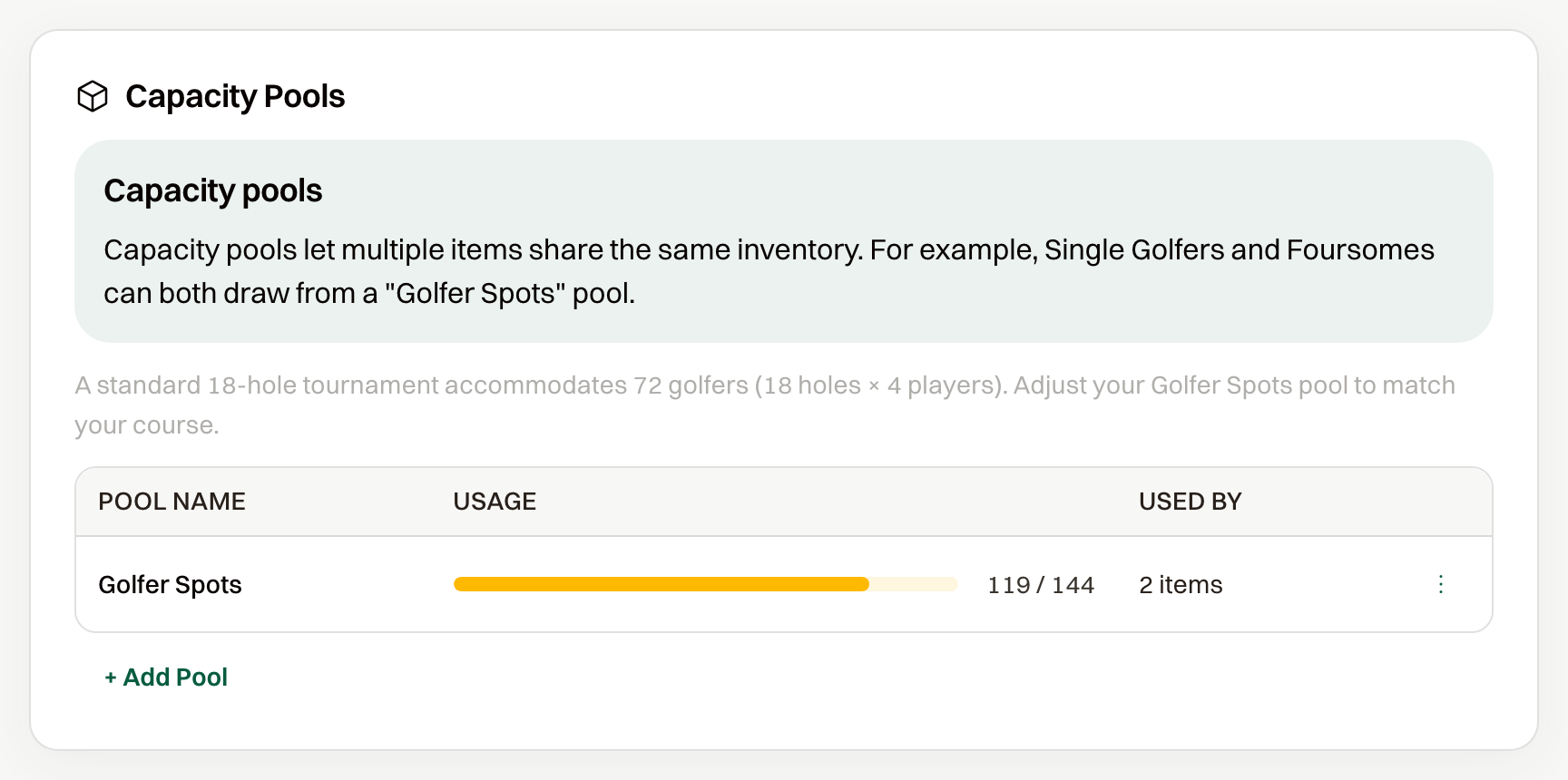
Single Golfer and Foursome both draw from the Golfer Spots pool. A single takes one spot per purchase and a foursome takes four. One pool keeps the combined total at the course limit. A standard 18-hole event starts that pool at 72.
Where the count shows
- Under Event Settings > Registration, the Capacity Pools section lists each pool with spots used of the maximum.
- On Participants, each pool has a card with the number of people in it.
- On the items list, Available is the purchases left for that item. Sold out means none. An infinity symbol means the item has no cap of its own.
What you set on the item
- Share from capacity pool draws the item from a pool. Capacity pool picks which one, and Also limit how many of this item can be sold stops that item before the pool runs out.
- Item-specific limit only ignores the pool. On a package the label is Package-specific limit only, and on a sponsorship it is Sponsorship-specific limit only.
- Based on included items sells a package or sponsorship out as soon as any included item is gone.
Unlimited is not a choice on a golf spot.
What a guest sees when it is full
At zero, the button reads Sold Out. One spot left still sells a single golfer, but not a foursome. The card shows how many are left once spots are getting low.
Common questions
Where do I change how many golfers can register?
Edit the Golfer Spots maximum under Capacity Pools. Every item that shares the pool picks up the new number.