
The Supporters page
The public page of sponsors, and how it differs from the logo strip on the homepage.
Supporters Page is on Public Website > Homepage. It is on by default unless you turn it off, and the homepage links to it once a sponsor is public.
The public title is Our Supporters. Levels follow the order from Manage Levels. Each sponsor shows a logo, name, bio, website, and any social links you saved.
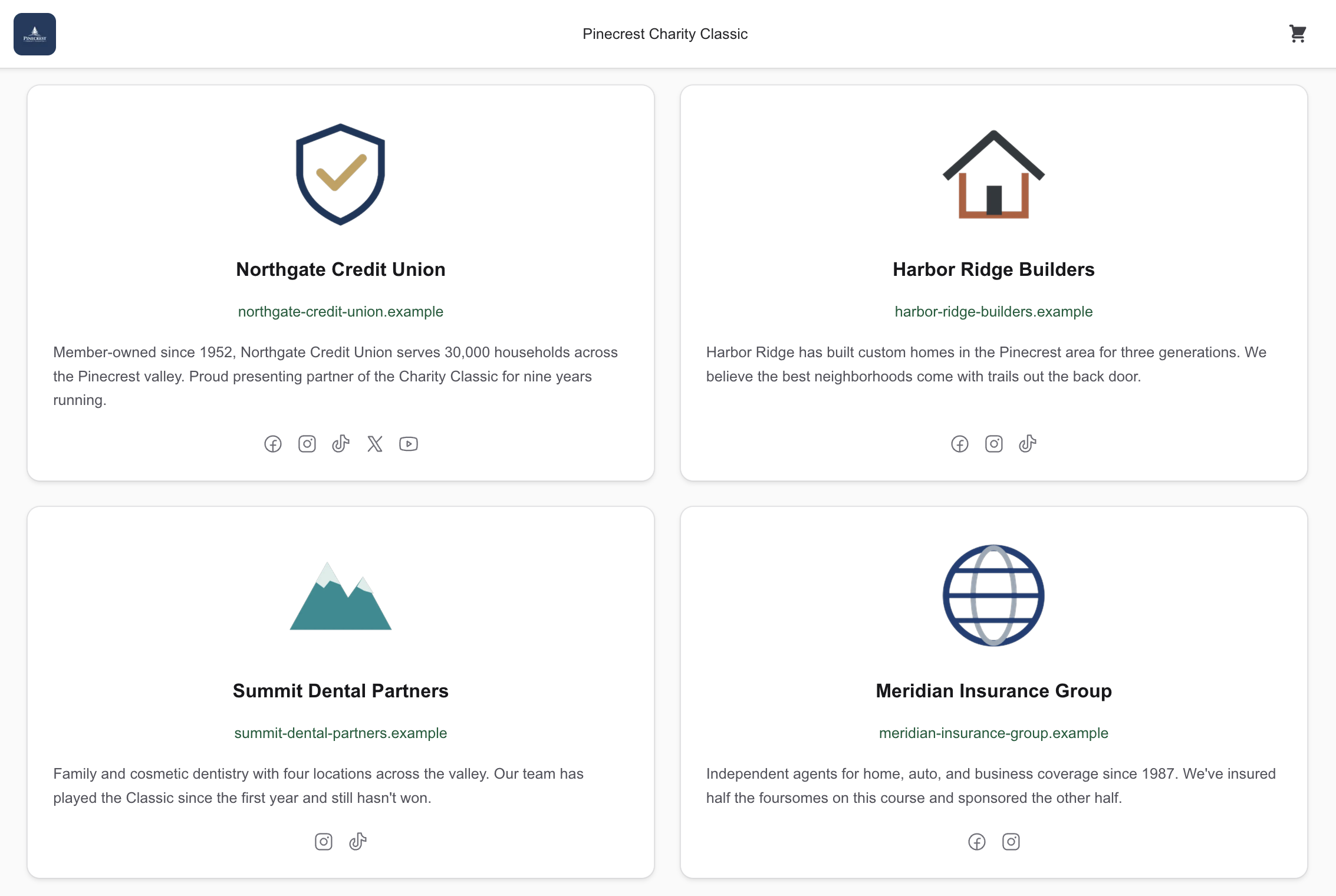
Homepage versus this page
Our Sponsors on the homepage is the logo strip. Learn more under a logo opens this page on that sponsor. The Supporters link in the nav and the footer appears once the page is on and at least one sponsor is public.
Become a Sponsor shows when a live sponsorship item exists. It sends the guest to registration.
Common questions
A sponsor is missing
Usually they are hidden rather than gone. Open the sponsor on Sponsors and check for Show on website; if it's there, they were hidden, and choosing it puts them back. A cancelled sponsorship also comes off the page. If a whole level is missing, it's because no sponsor on that level is public yet.