
Donation settings
Turn donations on, set preset amounts and a goal, and show the donor wall.
Donations > Settings. Enable donations is off until you turn it on. Donate then appears on the event website, and guests pick an amount there.
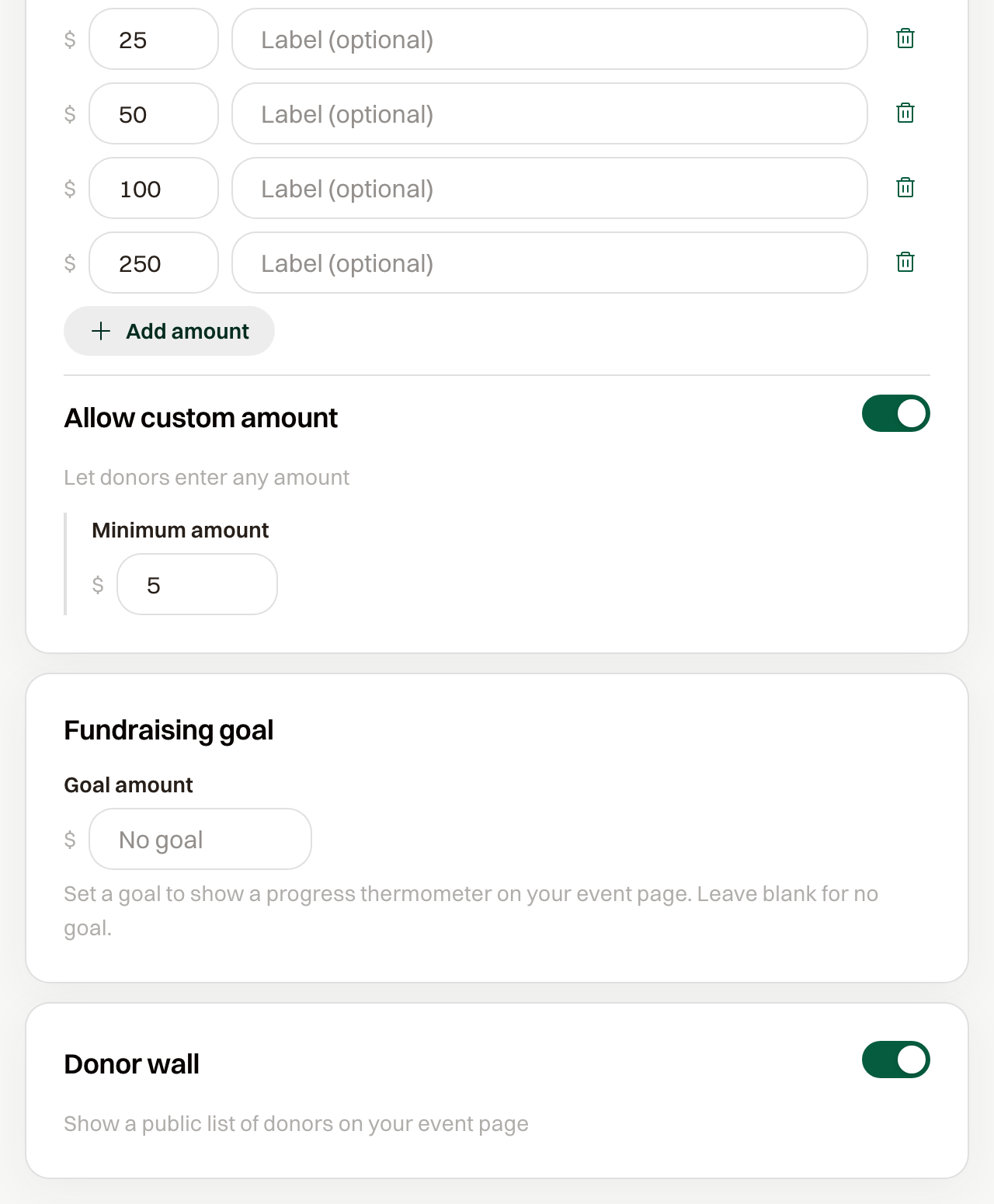
Amounts
The starting amounts are 25, 50, 100, and 250. Each row has an optional label, shown under the amount. Add amount adds a row.
An amount has to be at least 1, and you need at least one row. Saving with none says "Add at least one preset amount."
Allow custom amount is on to start. Guests then see Other and can type an amount, down to the Minimum amount, which starts at 1.
Cart title and Cart description are the name and line in the cart. The title starts as Donation.
Goal
Goal amount draws a bar on the donate page, with the amount raised and Goal. Leave it blank for no goal.
Donor wall
Donor wall is off until you turn it on. Turn it on and the donate page lists donors under Our Supporters once someone has given.