
Donors and the donation wall
Dedications, how a donor is named on the wall, and what the receipt says.
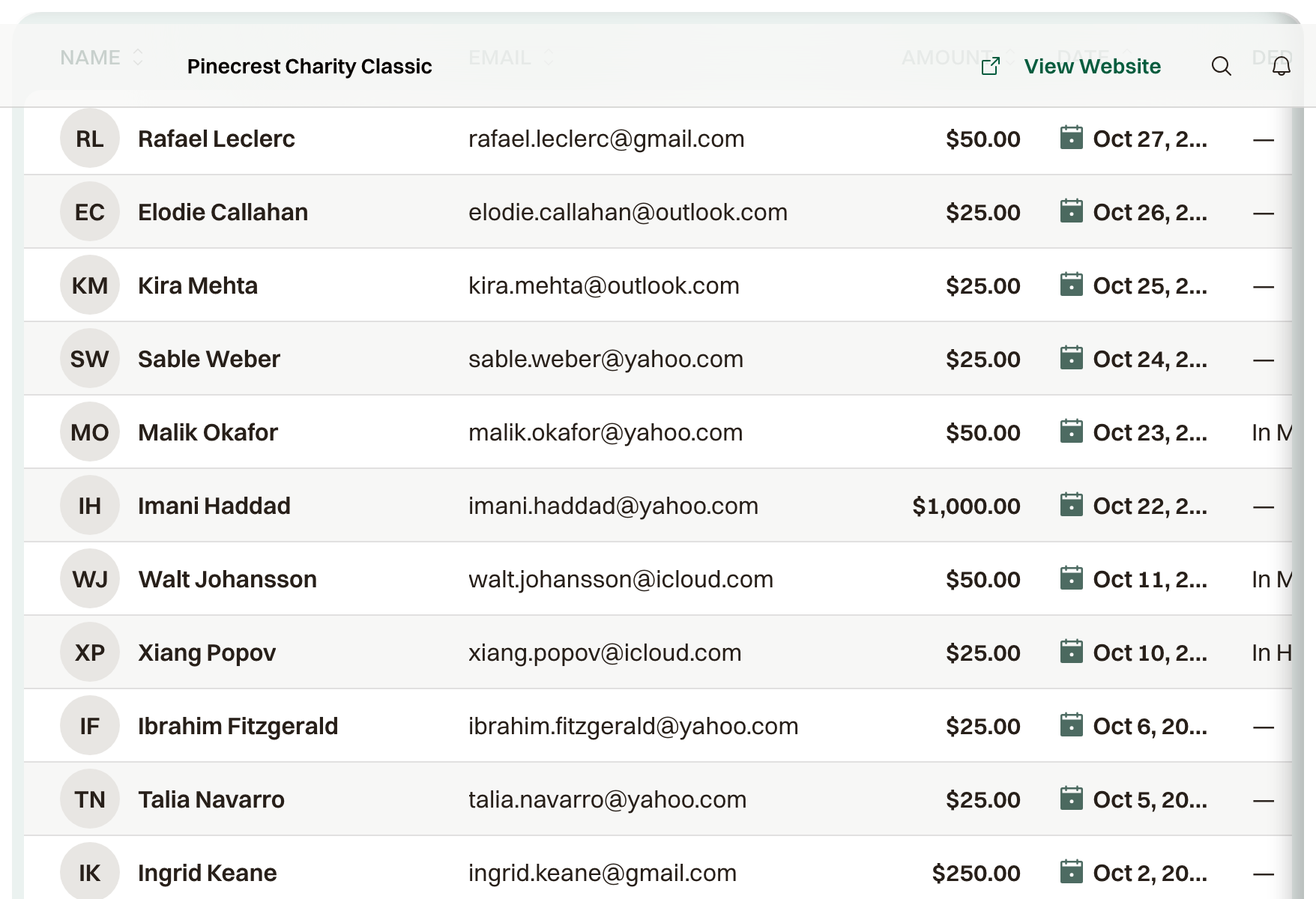
Donors is every donation: who gave, the dedication, the wall name, and whether it is paid. Open a row for the order.
Filter can limit Dedication to In Memory Of, In Honor Of, or None. Actions > Export to CSV downloads the donations currently listed.
At checkout, Donation details asks How should we display your donation? The public list uses Full name, Anonymous, and Custom name.
Hide my donation amount leaves the amount off the public list. Dedicate this donation is In memory of or In honor of, plus a name. Leave a message (optional) is the public note.
What the public list shows
Full name shows both names. Anonymous is listed as Anonymous on the homepage and Anonymous Donor on the donate page. Custom name shows the name they typed, with any dedication and message under the name.
Receipts
Every donor gets an email confirming the donation. What it says depends on what you have saved under Nonprofit Status.
For a US organization with a nonprofit type and EIN on file, the email is written as a donation receipt: it states that no goods or services were provided in exchange, and the footer names the organization, its nonprofit type, and the EIN. The donate page also notes that donations are tax-deductible to the extent permitted by law.
Without that, the email is a record of the donation, and whatever charity registration details you saved print in the footer and on the donate page.
A donation made as part of a registration gets the same note inside the order confirmation instead of a separate email.
ChipIn does not decide whether a donation is deductible. Outside the US, the email is a record of the donation, not an official tax receipt; issue those the way your charity already does.