
Report presets
What each ready-made report answers, grouped by money, people, and sales.
Presets are the reports already built. Open Reports and choose one. Every report has Download CSV, and every report except Event P&L has Open in builder.
Teams overview and Rosters appear only when the event has teams.
How much money came in?
- Payments Breakdown totals succeeded payments by method and by type, including charges, refunds, and disputes.
- Transaction List is one row for each charge, refund, dispute, dispute won, and comp.
- Card Payments is the card rows, with the fee and what you netted.
- Outstanding Balances is who still owes, and who overpaid.
- Order List is every order, with the total, what was collected, what is due, and the status.
- Expense List is every expense, with vendor, category, amount, and paid or unpaid.
- Expenses by Category is the total spent in each category.
- Event P&L is collected, expenses, and net proceeds. How those lines are built is in Expenses and the P&L.
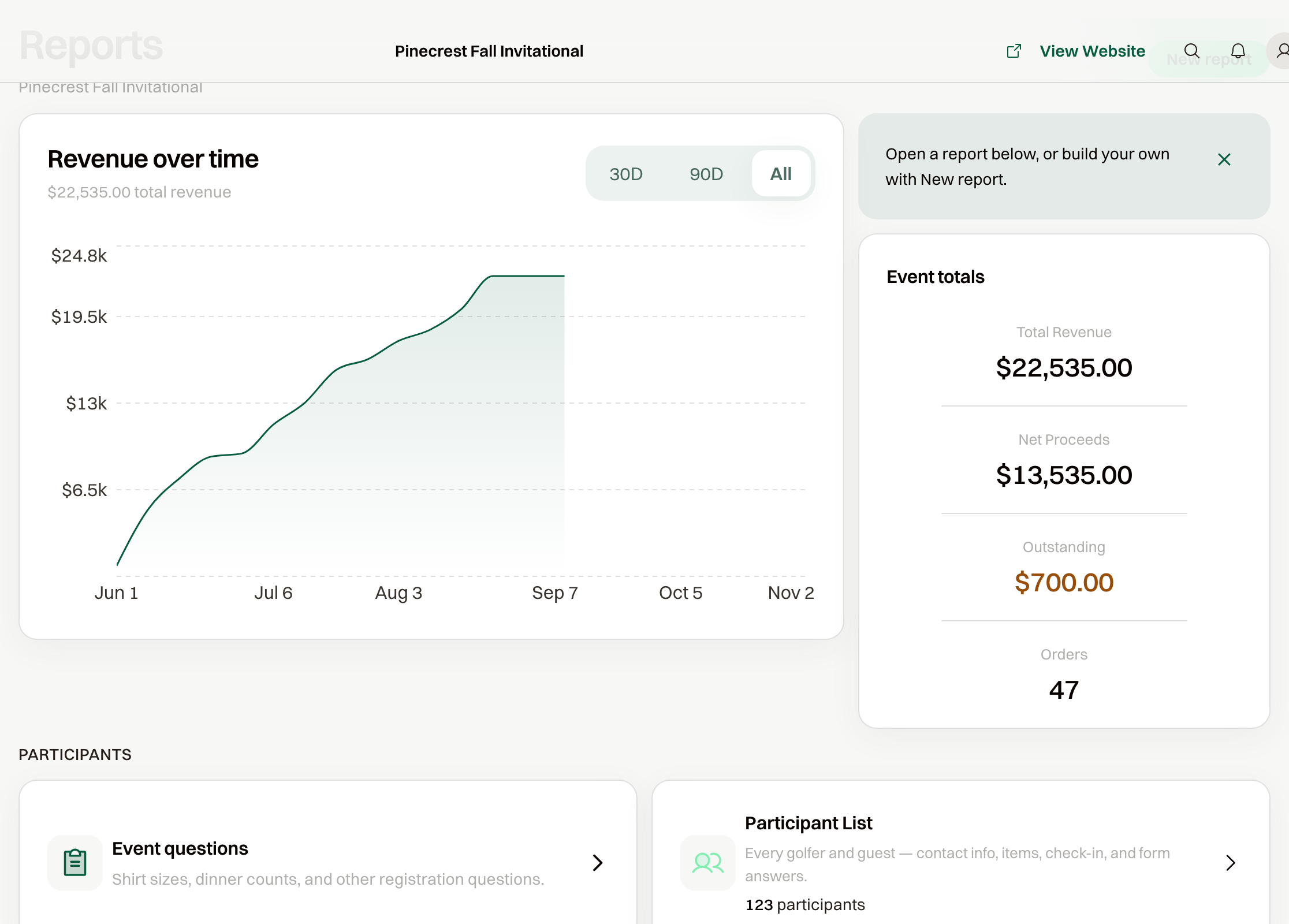
Total Revenue on the Reports page includes comped orders at their face value. Total collected on the P&L is cash in hand, so comps are left out. That is why the two can differ.
Who is coming?
- Participant List is every golfer and guest, with contact info, the item, and check-in. On other sports the card says players.
- Teams overview is every team, with roster fill, captains, the purchaser, and status.
- Rosters is every roster player, with slot, contact, captain, and check-in.
What sold?
Sales by Item is what sold, by item, with a line count and the amount. Sold is the price on the orders. Collected is what those orders have been paid so far.