
Practice a full event
Register yourself with the test card, read the practice confirmation, check in, and place a test bid.
Walk through the event as a guest while it is still in Practice Mode. No one is charged.
The confirmation does not go to the email address you type at checkout. It goes to your organization's Admins, with [PRACTICE] at the start of the subject.
What to look for
The prices and the total should match the items you set up. Fields you marked required should have stopped checkout until you filled them. Optional fields can be left blank.
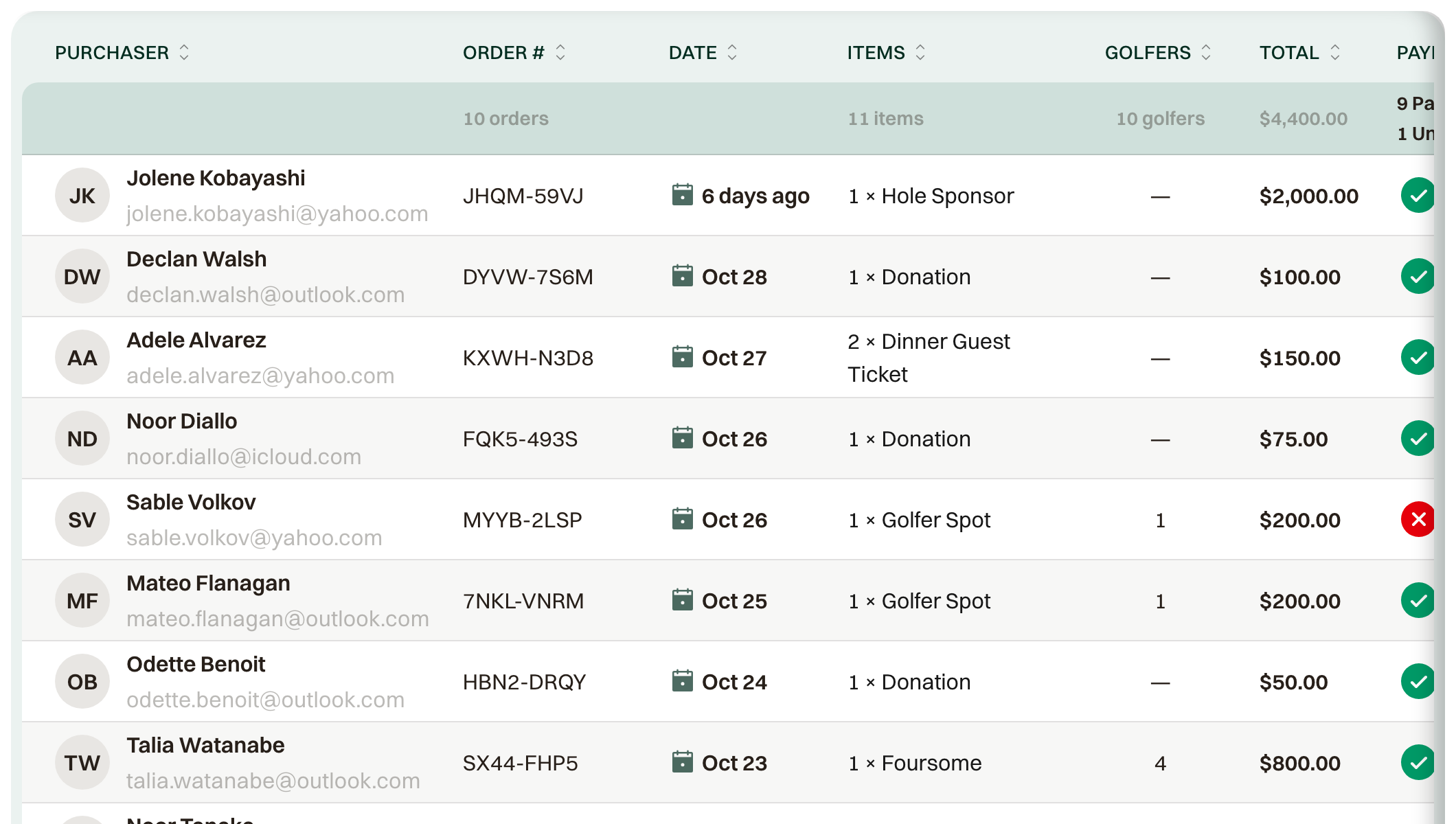
The email wording, event name, date, venue, and contact should read the way you want guests to read them. The order in Orders should show the same items and total.
That order, the registration, and any bid leave your lists when you publish.