
Team members and roles
Invite someone, what they receive, and how to change a role or archive a member.
Team members are the people who can sign in to your organization: a co-chair who runs the event with you, a treasurer who needs the reports, volunteers who check people in on the day. Invite them under Organization > Team Members and give each one a role.
You can send up to 10 invitations a day until a payment processor is connected.
Choose Invite Member. Enter Email Address and a Role. Personal Message (optional) is quoted in the email, up to 200 characters.
Send Invitation. The person is Pending until they join. An invitation lasts 7 days, then it is Expired.
What the invitee receives
They get an email, sign in or create an account with that address, and land in the organization with the role you chose.
Resend Invitation sends it again and gives another 7 days. Cancel Invitation stops that link. At the member limit, the page says to remove a member or cancel a pending invitation.
Which role to give
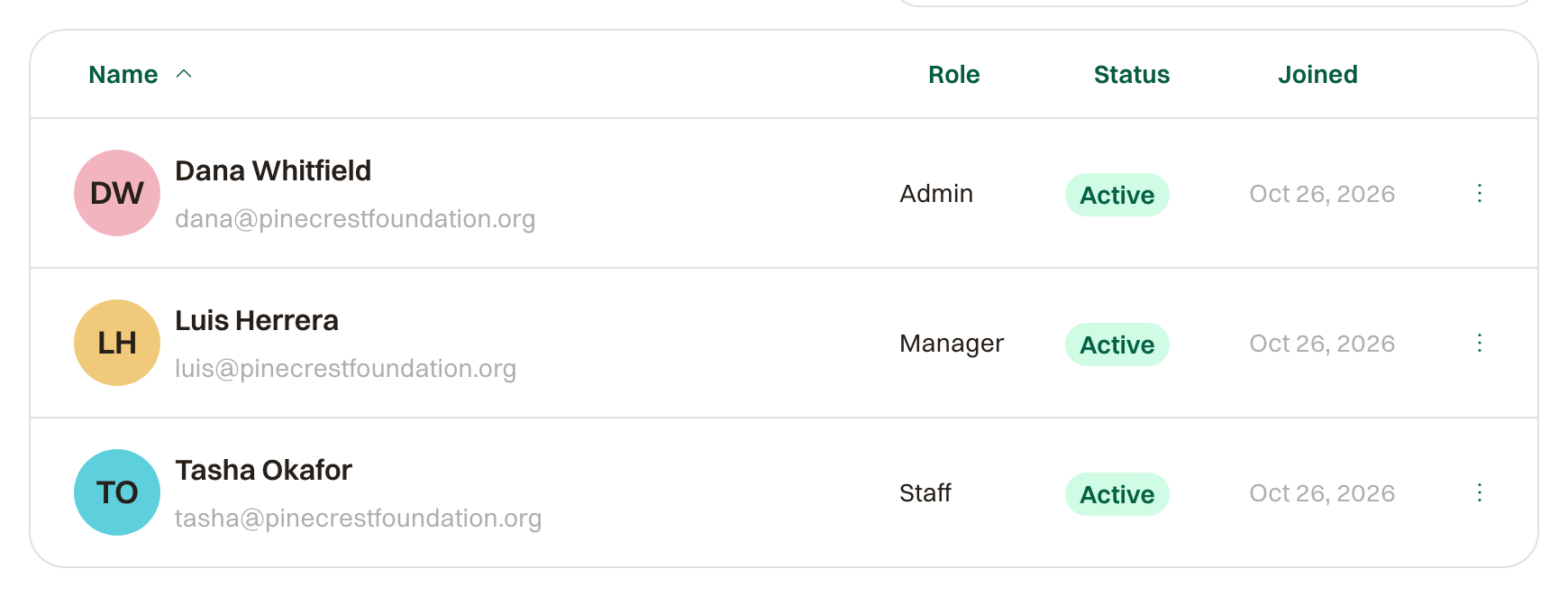
Admin
Everything, including organization settings, payments, and team members. Give this to the people who own the event.
Manager
Runs events end to end: items, website, orders, refunds, messages, reports. Cannot change organization settings, payments, or team members. The right role for a co-chair or a committee member.
Staff
Sees Participants, Check-in, the Tee Sheet or Schedule, and sent messages. Can check people in, fix a name or a shirt size, add order notes, and enter scores. Nothing about money. The role for day-of volunteers; add them the week before and remove them after.
Change a role
Change Role, then Update Role, takes effect immediately. Dropping an Admin warns they lose billing, team management, and organization settings. Dropping a Manager to Staff warns they lose event management and reporting.
Archive a member
Archive Member removes access immediately, and past work stays. You cannot archive yourself, and the billing contact has to be moved first with Set as Billing Contact. On Archived, Restore to Team gives access back.